
Know which AI plan has room.
Usage, resets and the next plan to switch to, in your Mac menu bar.
Download for Maccurl -fsSL https://hud.thaliabloom.com/install.sh | shOne answer, not twelve bars.
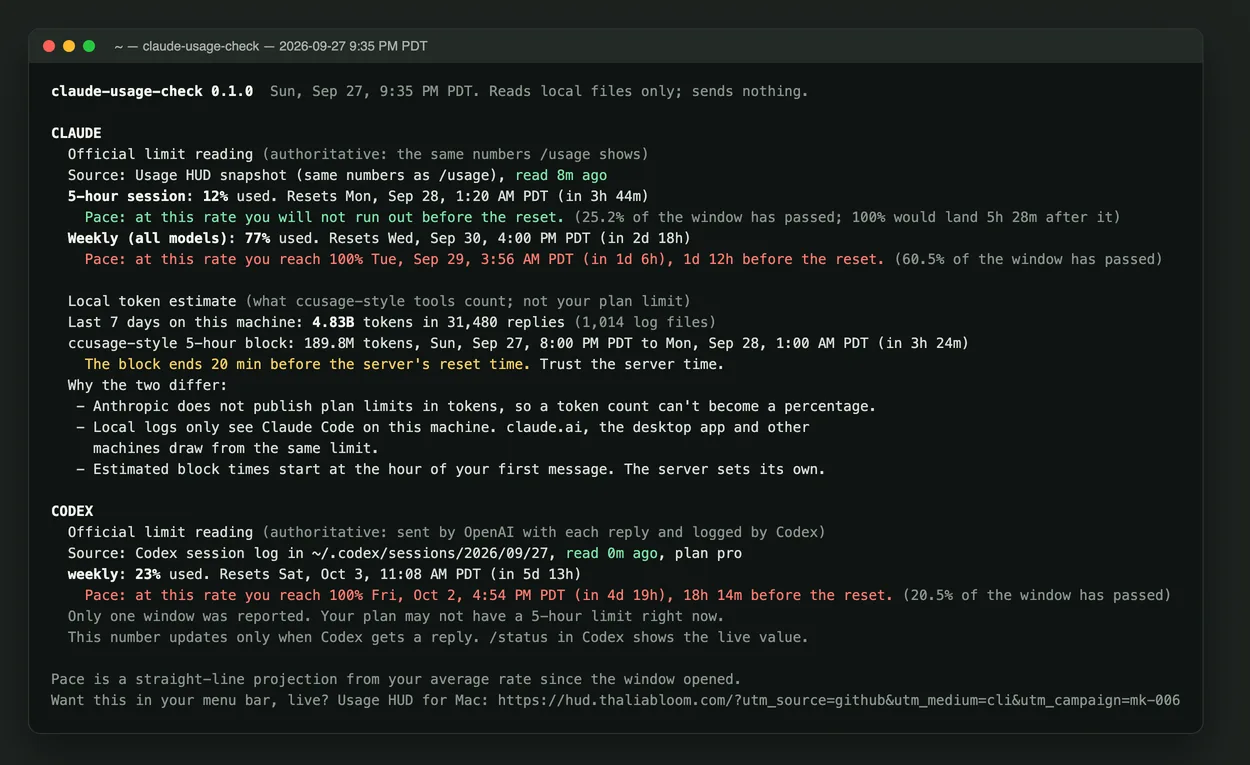
- GO, WATCH or STOP for your plan.
- When it runs out, and when it resets.
- Every number shows its source.
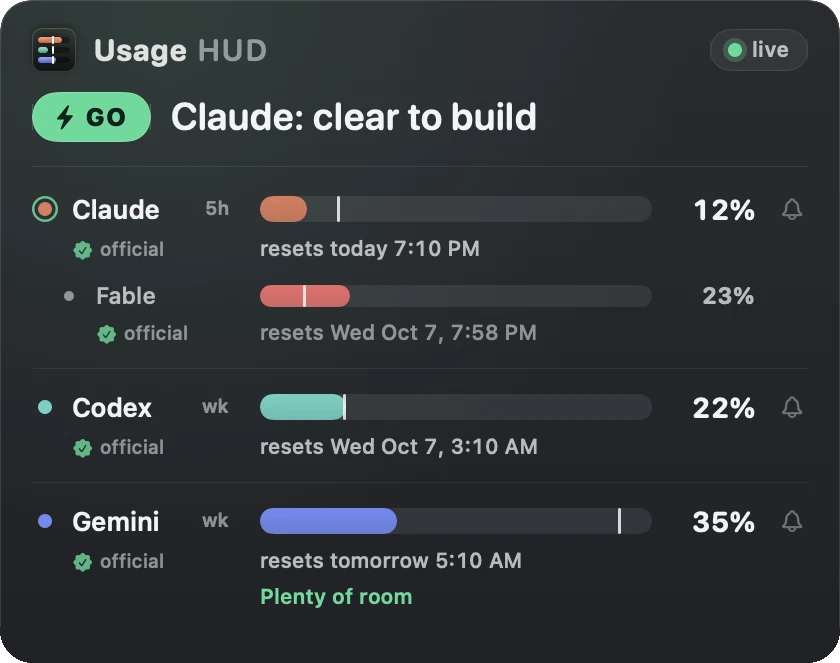
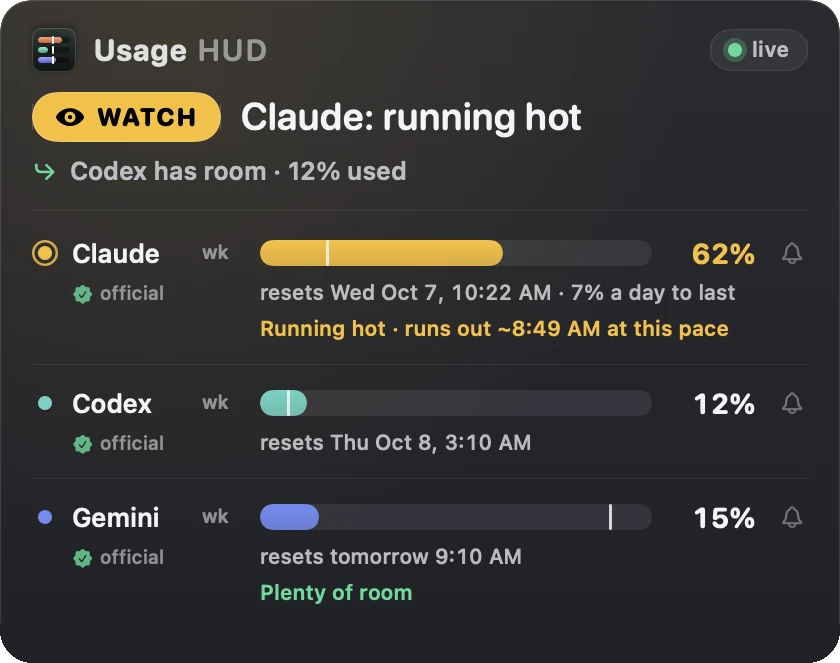
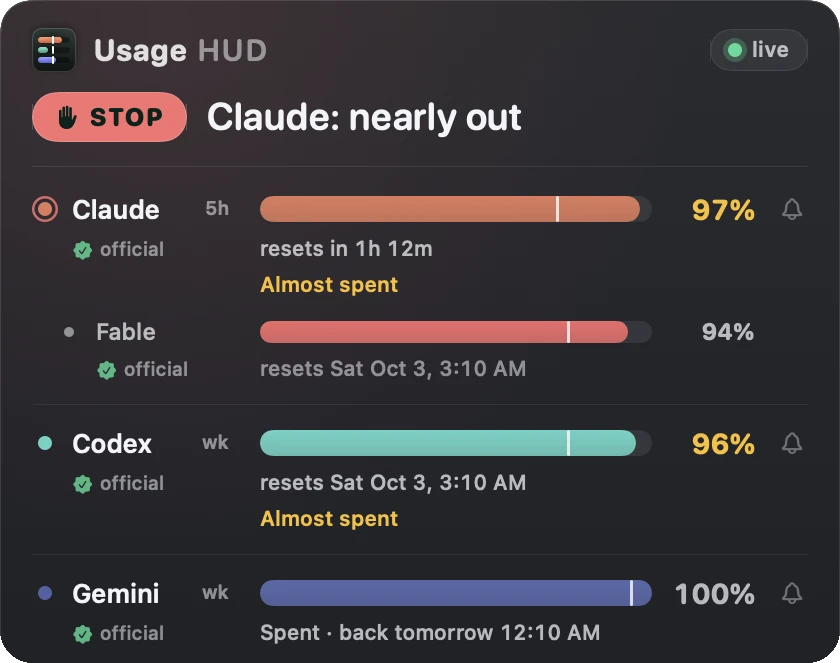
Sample readings
See what your usage is worth.
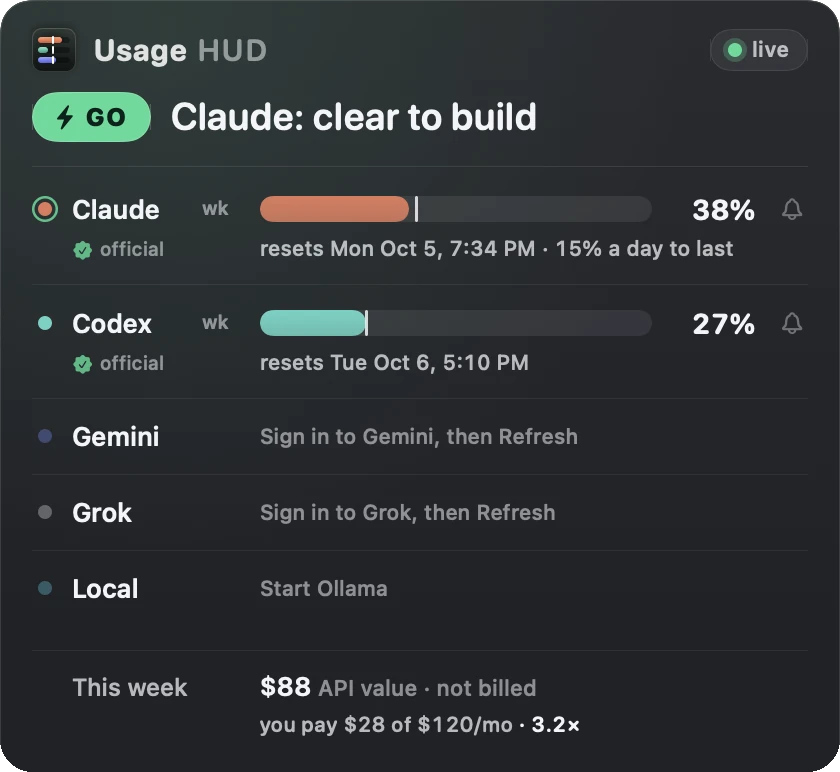
Your agents can check before long work.
Free. Tip if it helps.
Paid through Stripe. Refunds within 14 days.
What it takes
- Your Mac: macOS 14 or later, Apple silicon or Intel.
- Claude and Codex: Claude Code or Codex signed in. Nothing else to install for those two lanes.
- Gemini and Grok: those lanes need Node.js 18 or later. Gemini reads Google’s Antigravity CLI (agy), so sign in there.
- Local models: the local lane reads your Ollama logs.
Guides & comparisons
- Claude Code usage limit in the Mac menu bar
- When does the Claude weekly limit reset?
- Why Claude Max weekly usage jumped
- Will I run out before the weekly reset? (Pace calculator)
- Is ccusage accurate for Claude Max limits?
- Codex CLI 5-hour and weekly usage limits on a Mac
- How to check Gemini CLI usage limits on a Mac
- Ollama local token counter in the Mac menu bar
- Switch between Claude, Codex & Gemini before a rate limit
- Usage HUD vs. CodexBar · vs. ccusage · All 19 guides →
